TL;DR: The Bottom Line
- AI Adoption is Critical: Adopting the best AI assistants for small business is essential for saving time and scaling efficiently.
- Top Picks for 2026: The best platforms include ChatGPT Team, Microsoft Copilot, Google Gemini Workspace, and Anthropic Claude.
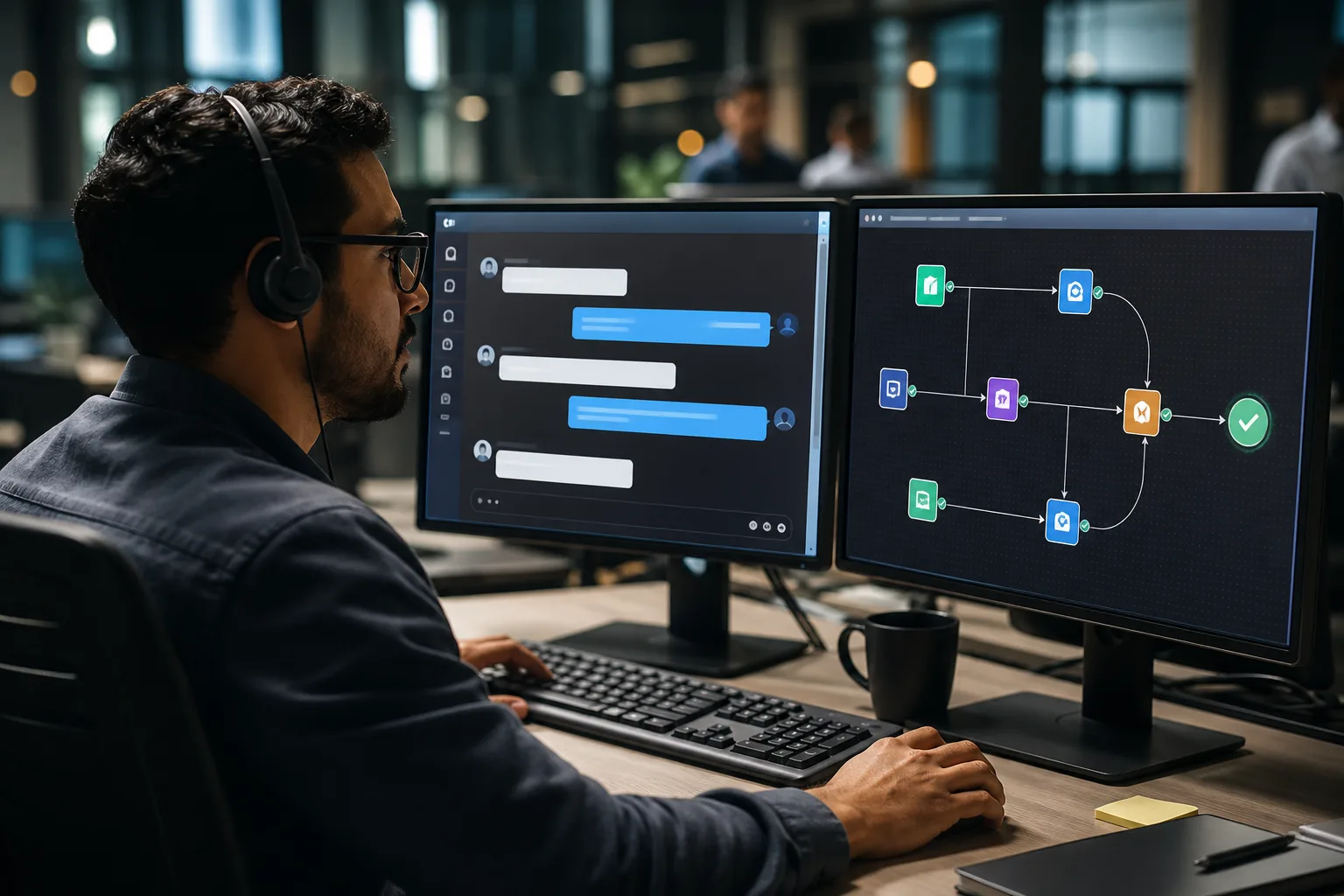
- Automate the Mundane: Implement small business AI workflow automation for tasks like email management, scheduling, and customer service.
- Prioritize Privacy: Always select business-tier accounts to ensure complete data privacy and security.
The modern small business landscape is more competitive and faster-paced than ever before. Entrepreneurs are constantly pulled in a hundred different directions, managing product development, marketing, sales, and customer support. In this demanding environment, time is the ultimate currency.
This is exactly why adopting the best AI assistants for small business is no longer an optional luxury. It is a critical survival mechanism. AI tools for small business have evolved dramatically into deeply integrated digital employees that can handle complex administrative tasks.
Why Small Businesses Need an AI Assistant Now
Small business owners often suffer from severe burnout by trying to do absolutely everything themselves. An AI virtual assistant for entrepreneurs changes this dynamic entirely. By taking over repetitive, low-value administrative work, AI allows you to focus your energy on strategic growth.
One of the most significant advantages is small business AI workflow automation. Imagine a scenario where incoming lead emails are automatically categorized, scored, and replied to within seconds. Your sales team wakes up to a pre-sorted list of warm leads rather than a chaotic inbox.
This level of efficiency drastically improves your overall Return on Investment (ROI). Furthermore, AI systems provide unparalleled consistency. They maintain a constant level of precision, ensuring your CRM data remains pristine and your customer communications are flawless.
Top AI Assistants for Productivity in 2026
The ecosystem of AI solutions is vast, but a select few platforms stand out. These are the top AI assistants for productivity available today. They offer robust, secure features tailored specifically for commercial use.
1. OpenAI ChatGPT Team: The Ultimate All-Rounder
OpenAI continues to lead the pack with its ChatGPT Team tier. Designed specifically for smaller organizations, it offers a secure workspace where proprietary data is excluded from public training.
It excels at drafting marketing copy, generating comprehensive business strategies, and analyzing complex spreadsheets. The ability to build custom GPTs tailored directly to your internal processes is an absolute game-changer.
2. Microsoft Copilot: The Enterprise Ecosystem Integrator
For companies entrenched deeply in the Microsoft 365 ecosystem, Microsoft Copilot is the undisputed champion. It sits natively inside Word, Excel, Teams, and Outlook.
Copilot can silently attend Teams meetings, summarize the transcript, extract action items, and email them to your team. It bridges the gap between different Microsoft applications effortlessly.
3. Google Gemini for Workspace: The Cloud-Native Companion
If your small business operates primarily on Google Docs, Sheets, and Gmail, Google Gemini is your ideal partner. Gemini excels at cloud-based, real-time collaboration.
It can help you draft compelling pitch decks in Google Slides or identify emerging trends directly within Google Sheets. Its seamless integration means there is virtually zero learning curve for existing Workspace users.
4. Anthropic Claude: The Nuanced Analytical Thinker
Anthropic’s Claude is rapidly gaining immense popularity for its massive context window. It is the perfect AI assistant for reviewing lengthy legal contracts or synthesizing industry reports.
Claude’s writing style is often perceived as much more human-like and empathetic. This makes it incredibly ideal for sensitive, client-facing communications.
5. Zapier Central: The Automation Powerhouse
Unlike standard conversational bots, Zapier Central functions as an autonomous AI agent. It interacts directly with over 6,000 different business applications.
You can instruct it in plain English to perform highly complex, multi-step tasks across different software platforms. It represents the absolute pinnacle of small business AI workflow automation today.
How to Choose the Best AI Virtual Assistant for Entrepreneurs
Selecting the right tool requires very careful consideration of your unique needs. First, you must consider CRM integration capabilities.
An AI assistant is most powerful when it has direct access to your customer data. Ensure the tool integrates natively, or via an API, with your existing CRM platform like Salesforce.
Second, you must prioritize data privacy and security above all else. Never use free, consumer-grade AI tools for sensitive business information. Always opt for business tiers that provide explicit legal guarantees regarding data protection.
Finally, evaluate the platform's overall ease of use. The primary goal of adopting AI is to save time, not to learn complicated software. Look for intuitive interfaces and incredibly strong customer support.
High-Impact Use Cases for AI Workflow Automation
Once you have selected your ideal AI assistant, the next critical step is deployment. You should always start with high-impact, low-risk areas within your company.
Customer service is an excellent starting point for any small business. Implementing an AI chatbot on your website can handle up to 80% of routine customer inquiries. This provides instant gratification for customers while freeing up your human agents.
Another prime use case is large-scale content creation and social media management. AI can rapidly generate a full month's worth of social media posts in a fraction of the time. While human review is necessary, AI completely eliminates the dreaded blank-page syndrome.
Industry-Specific Applications for AI Assistants
AI is not a one-size-fits-all solution. It adapts uniquely to vastly different business models.
AI for Real Estate Agencies
Real estate agents can use AI to automatically draft compelling property descriptions. AI assistants can also analyze local market data to suggest optimal listing prices.
AI for E-commerce and Retail
E-commerce owners can leverage AI to dynamically generate hundreds of SEO-optimized product descriptions. AI can also analyze purchasing patterns to create highly personalized product recommendations.
AI for Consulting and Agencies
Consultants can deploy AI to transcribe lengthy client discovery calls and immediately generate strategy proposals. AI also assists in deep market research, rapidly synthesizing competitor data.
The Best AI for Scheduling and Emails
When it comes to managing a chaotic daily schedule, finding the best AI for scheduling and emails is vital. Tools like Motion use AI to automatically shuffle your calendar based on shifting priorities.
Meanwhile, integrated tools like Copilot and Gemini excel at drafting professional emails from short bullet points. They save hours of administrative typing every single week.
Step-by-Step Guide to Implementing AI in Your Business
To ensure a successful rollout, follow a structured implementation plan. Step one is conducting an internal audit of your most repetitive tasks.
Step two is running a small pilot program with a single AI tool within a specific department. Step three involves training your staff on how to properly interact with the AI. Step four is establishing clear guidelines on data security and privacy.
Frequently Asked Questions (FAQ)
-
What are the best AI tools for small business?
The best tools entirely depend on your specific business needs. ChatGPT Team is generally excellent for versatile tasks, while Microsoft Copilot is ideal for Office 365 users.
-
Is it genuinely safe to use AI for my small business?
Yes, it is safe, provided that you strictly use enterprise or business-tier subscriptions. These premium tiers explicitly protect your data privacy.
-
How much do AI virtual assistants typically cost?
Most premium, business-grade AI assistants range from $20 to $40 per user per month. The massive administrative time savings usually justify this cost immediately.
-
Can AI completely replace my human employees?
No. AI is purposely designed to augment human capabilities, not replace them entirely. It handles mundane tasks so your employees can focus on strategic thinking.
Conclusion
The era of the AI-powered small business is already here. By strategically implementing AI into your operations, you can unlock unprecedented levels of productivity.
Do not view AI as a threat to your business. View it as your most dedicated, tireless team member. Start automating your workflows today, and reclaim your valuable time.