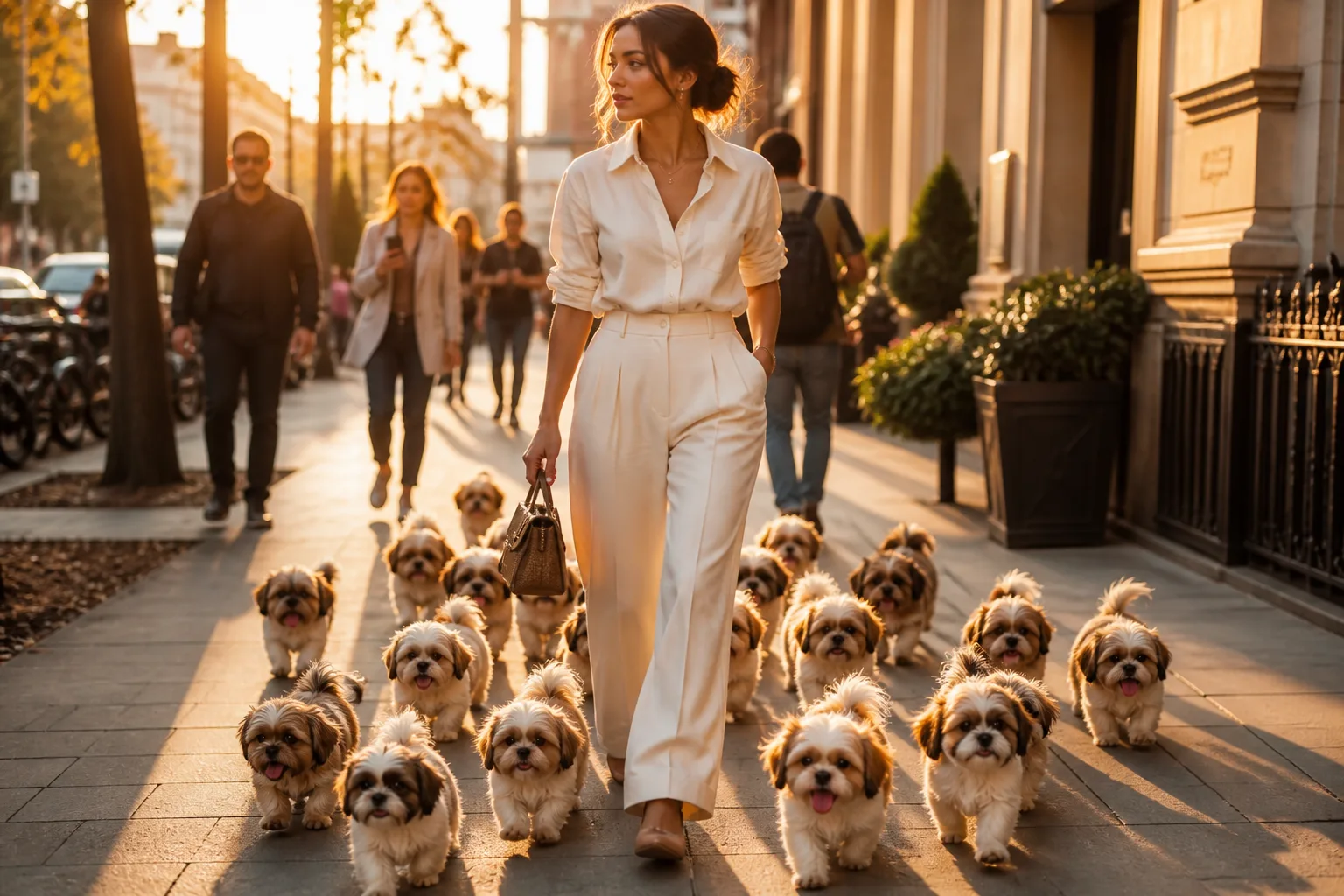
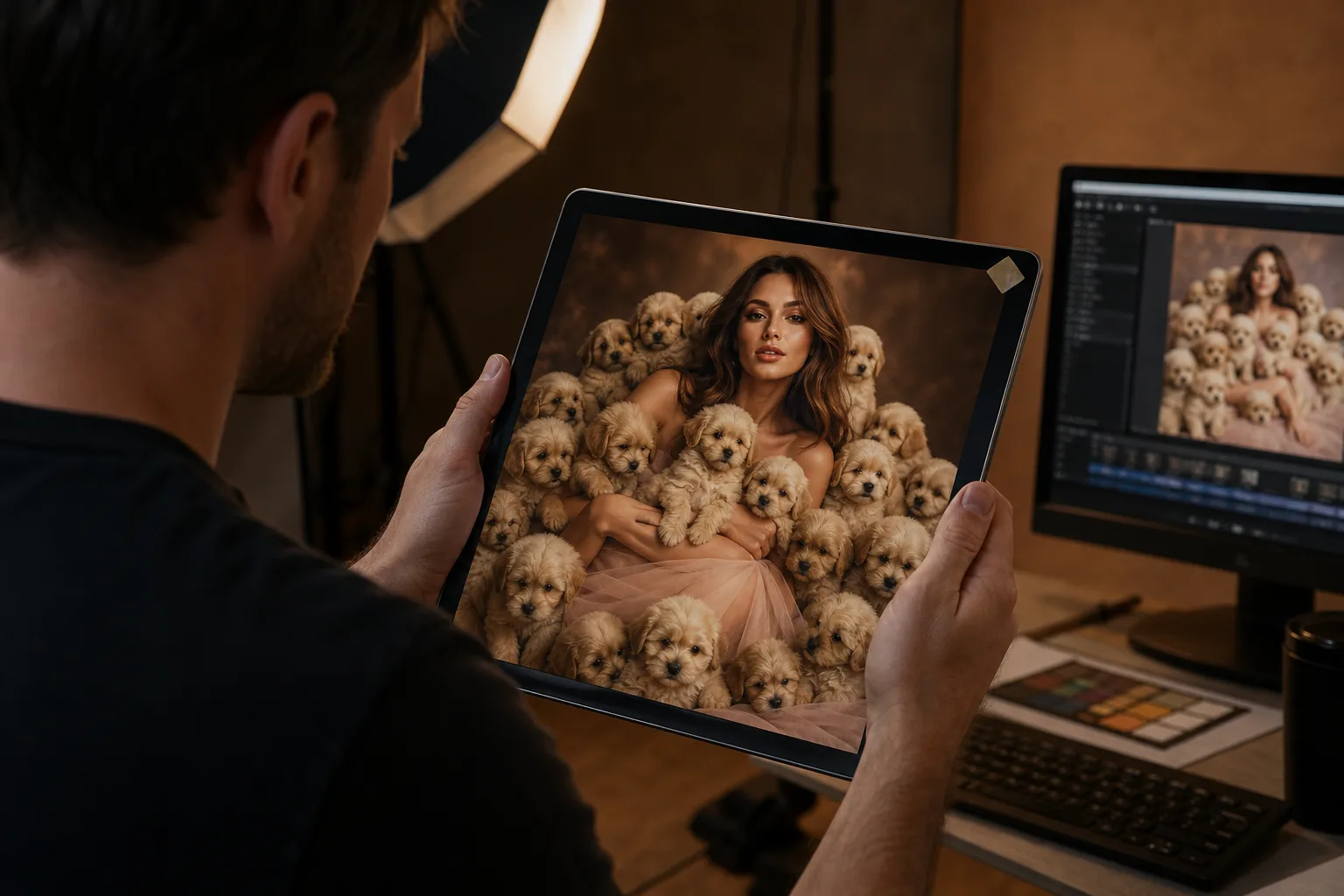
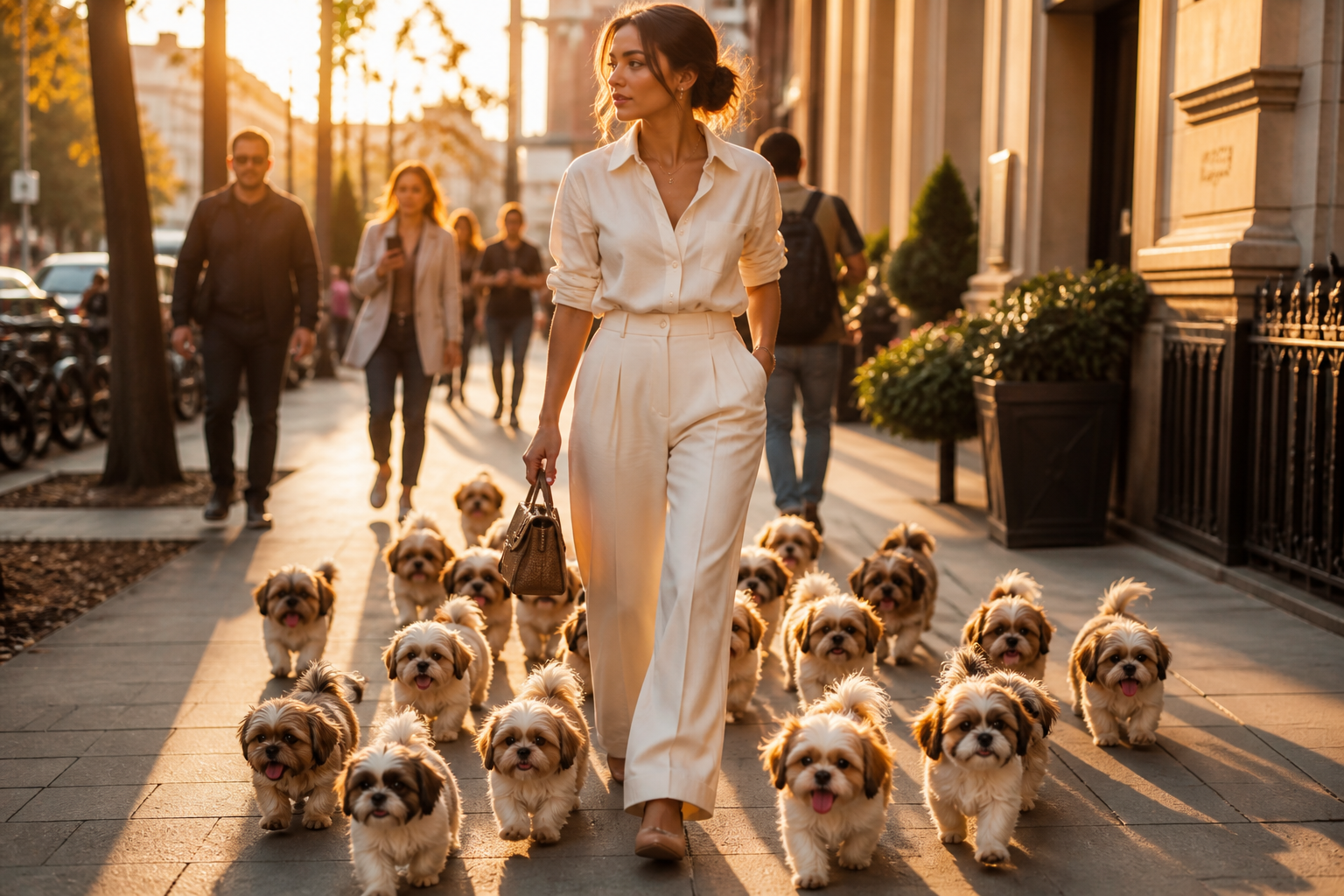
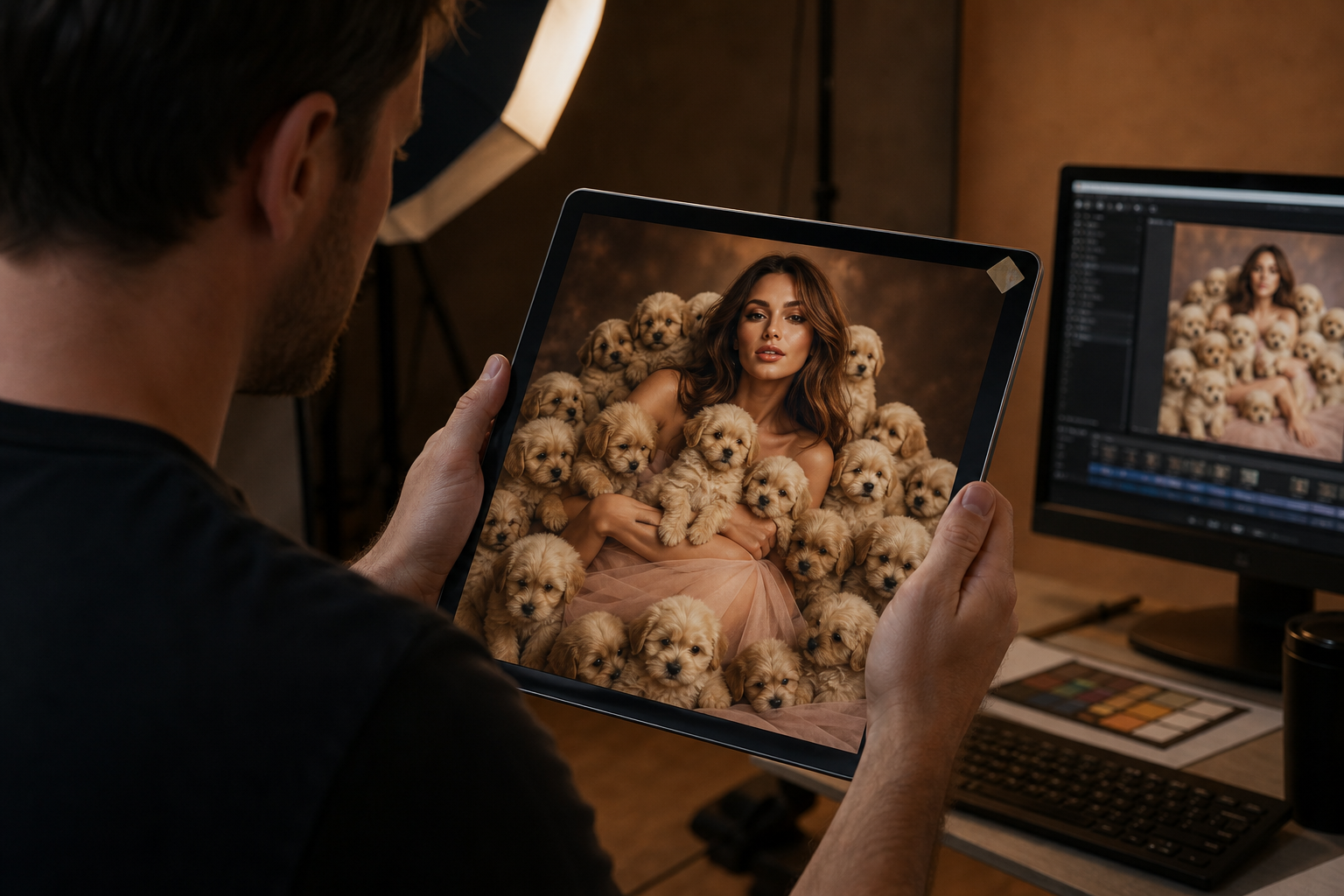
- The AI puppy trend turns a single photo of you into a scene surrounded by photorealistic puppies, usually via Google Gemini or dedicated AI photo apps.
- For best results, use a clear full-body photo, a detailed prompt that preserves your face/body, and specific breed or pose instructions.
- Top free option: Google Gemini. Paid alternatives like YouCam AI Pro and BeautyPlus offer one-tap filters and animation.
- Turn stills into short videos by adding a slow zoom or pan in TikTok, Instagram Reels, or CapCut.
- Always label AI-generated content where required and avoid misleading captions that imply real animals are present.
Your feed is suddenly full of people standing in parks, cafés, and living rooms while a swarm of impossibly cute puppies circles their feet. The photos look magical, almost too good to be true—because they are. If you have tried to recreate the look and ended up with floating paws, mismatched shadows, or dogs that look more like plush toys than real animals, you are not alone. The gap between a viral AI puppy photo and a blurry mess comes down to one thing: knowing how to prompt and polish the output.
This guide breaks down the AI puppy photo trend from start to finish. You will learn why puppies dominate social feeds, how to generate your own image in minutes, which tools give the cleanest results, and how to turn a still photo into a short video that actually performs. We will also cover the ethical line between fun AI content and misleading posts, so your puppy parade gets likes without getting flagged.
What Is the AI Puppy Trend?
The AI puppy trend is a social-media phenomenon in which users upload a photo of themselves and use a generative AI tool to add a litter of puppies, dogs, or other small animals around them. The final image keeps the person mostly unchanged while surrounding them with furry companions that were never in the original shot. The trend first gained traction on Instagram Reels and TikTok in November 2025 and quickly spread to YouTube Shorts and X.
Most viral posts follow a simple formula: a clear, full-length photo of the user, a neutral or aesthetic background, and six to ten puppies interacting naturally at their feet or in their lap. Breed choices vary—Pomeranians, Golden Retrievers, Dalmatians, Cockapoos, and French Bulldogs are the most common—but the core appeal is the same. It is a modern Snow White moment rebuilt for the generative AI era.
Why Puppies Took Over TikTok and Instagram
The trend is not just about dogs; it is about biology. Humans are wired to respond to infantile features—large eyes, round faces, and small noses—through a mechanism called baby schema. A 2014 study published in Frontiers in Psychology found that both adults and children preferred looking at infantile faces and gave the highest positive scores to dogs among animal stimuli. In other words, our brains are preloaded to love puppy content.
Beyond the science, the trend succeeds because it is low effort and high reward. Users do not need a professional camera, a real dog, or any design skills. They just need a phone and a prompt. That accessibility is exactly what makes generative AI memes like the AI baby meme and the goofy ahh images spread so quickly: anyone can participate.
Step-by-Step: How to Create Your Own AI Puppy Photo
The easiest entry point is Google Gemini, which is free and handles image generation and editing in one chat interface. Follow these steps for a clean, shareable result.
- Open Google Gemini. Use the mobile app or the web version. Make sure you are signed in.
- Upload a full-length photo of yourself. Choose a clear image with good lighting, a simple background, and your whole body visible. Outdoor scenes and empty floors work best.
- Paste a detailed prompt. Example: "Generate a photorealistic image based on this original photo. Add eight realistic Pomeranian puppies interacting naturally around me—some sitting at my feet, one curled against my leg, and one looking at the camera. Preserve my face, body, hair, clothing, pose, and proportions exactly. Match lighting and shadows. Do not change the background."
- Review and refine. If a puppy looks off, ask Gemini to fix it: "Adjust the shadow under the jumping puppy to match the light direction from the left."
- Download and post. Save the highest-resolution version. Upload to Instagram, TikTok, or YouTube Shorts and add an AI-generated label if the platform prompts you.
If you want more creative control, switch to a dedicated AI image app. Tools like YouCam AI Pro let you choose an image-to-image model, select a specific breed, and animate the final result. BeautyPlus offers a one-tap "Puppy Trend" filter inside its editing suite. Both are faster but usually require a paid subscription or credits.
Prompt Engineering Tips for Realistic Results
The difference between a believable puppy photo and a glitchy one usually comes down to prompt detail. Generic prompts like "add puppies" leave too much room for AI interpretation. Specific prompts anchor the model to real-world physics.
- Preserve the person. Always include "keep my face, body, hair, clothing, and pose unchanged."
- Lock the background. Add "do not modify the background" to prevent the AI from redrawing the whole scene.
- Specify lighting. Mention the light direction and time of day so shadows and fur color match.
- Define poses and count. "Eight puppies" is better than "many puppies." Name positions: sitting, jumping, curled, looking at camera.
- Name the breed. Specific breeds produce more consistent textures than "cute dogs."
- Ask for realism. Words like "photorealistic," "high-resolution," "correct fur texture," and "realistic eye reflections" improve output.
If your first attempt looks plastic, do not regenerate from scratch. Gemini responds well to iterative edits. Treat it like a photo retoucher: point to the exact problem and describe the fix. This is the same "vibe coding" approach that powers other viral AI meme trends.
Free vs. Paid Tools: A Quick Comparison
| Tool | Price | Best For | Main Trade-Off |
|---|---|---|---|
| Google Gemini | Free | Quick, realistic puppy edits | Requires iterative prompting |
| YouCam AI Pro | Premium / credits | Image-to-image + animation | iOS-first, paid tiers |
| BeautyPlus | Free trial / subscription | One-tap Puppy Trend filter | Less control over output |
| MyEdit | Free daily credits | Brush-based local edits | Limited free generations |
For most users, Gemini is the best starting point because it is free and the results are good enough for social feeds. If you plan to create multiple posts or want video output, a paid app can save time. Just remember that free tiers often watermark exports or limit resolution, so read the terms before posting branded content.
Turning Still Photos Into Short Videos
The most viral versions of the trend do not stay still. Creators export their AI puppy image and add motion with a simple video edit. The easiest method is a slow zoom or pan inside TikTok, Instagram Reels, or CapCut. A gentle push-in on the puppies creates the illusion of a living scene and keeps viewers watching longer.
More advanced creators use image-to-video tools like Runway, Kling, or MiniMax to add subtle motion to the puppies themselves. A few seconds of a puppy blinking or wagging its tail can make the post feel cinematic. Be careful, though: too much movement can expose the AI origin through warped fur or flickering paws. Start small and let the cuteness do the work.
Ethics, Labels, and Common Pitfalls
AI puppy photos are harmless fun until they are not. The main risks are misinformation and unrealistic expectations. A caption like "my new puppy squad" can mislead followers into thinking the animals are real, which can trigger backlash or platform penalties. Instagram, TikTok, and YouTube all have AI-labeling policies, and Meta automatically tags many AI-generated images.
"The line between tribute and exploitation remains razor-thin. Audiences must demand transparency, or animal content risks becoming accomplices to deception." — Animal rights advocates, cited in Eurasia Review
Other pitfalls to watch for include inconsistent shadows, extra limbs, and puppies that clip through clothing or furniture. These artifacts are common in early generations. The fix is usually a second prompt asking the model to correct the specific issue. Also avoid using photos of children or private locations without consent, since AI editing does not remove the underlying privacy concerns.
Frequently Asked Questions
What app do I use for the AI puppy trend?
Google Gemini is the most popular free option. Dedicated apps like YouCam AI Pro and BeautyPlus offer one-tap filters and animation but usually require payment.
Is the AI puppy trend free?
Yes, if you use Google Gemini. Some mobile apps offer free trials or limited daily credits, but full-resolution exports and animation features are usually behind a paywall.
Why does my AI puppy photo look fake?
The most common causes are weak lighting matches, floating shadows, and generic prompts. Add specific lighting directions, preserve-background instructions, and exact breed or pose details.
Can I use other animals instead of puppies?
Yes. Many creators substitute kittens, bunnies, ducklings, or even fantasy creatures. The same prompting rules apply: be specific about breed, count, pose, and lighting.
Do I need to label AI-generated puppy photos?
Major platforms increasingly require or auto-apply AI labels. Even when not required, disclosing AI generation is a best practice that builds trust with your audience.
How do I make a video from my AI puppy photo?
Add a slow zoom or pan in TikTok, Instagram Reels, or CapCut. For more motion, use image-to-video tools like Runway or Kling, but keep movement subtle to avoid artifacts.
What makes a good base photo for the trend?
Use a clear, well-lit, full-length photo with a simple background and empty floor space. The more consistent the lighting, the more realistic the AI puppies will appear.
Where did the AI puppy trend start?
The trend began on Instagram Reels and TikTok in November 2025, following earlier AI photo trends like the AI doll and Ghostface edits. It spread quickly because it is free, cute, and easy to make.
Conclusion
The AI puppy trend is a perfect example of how generative AI has moved from a tech curiosity to a mainstream creative tool. With a clear photo, a detailed prompt, and a few minutes of refinement, anyone can produce a shareable image that taps into one of the internet's most reliable emotions: the love of puppies.
Start with Google Gemini to learn the basics, then experiment with dedicated apps if you want animation or faster workflows. Keep your prompts specific, your lighting consistent, and your captions honest. If you want more inspiration, explore our guides to the AI baby meme, AI burger campaigns, and the full AI culture archive. Happy generating—and may your puppies always have the correct number of legs.