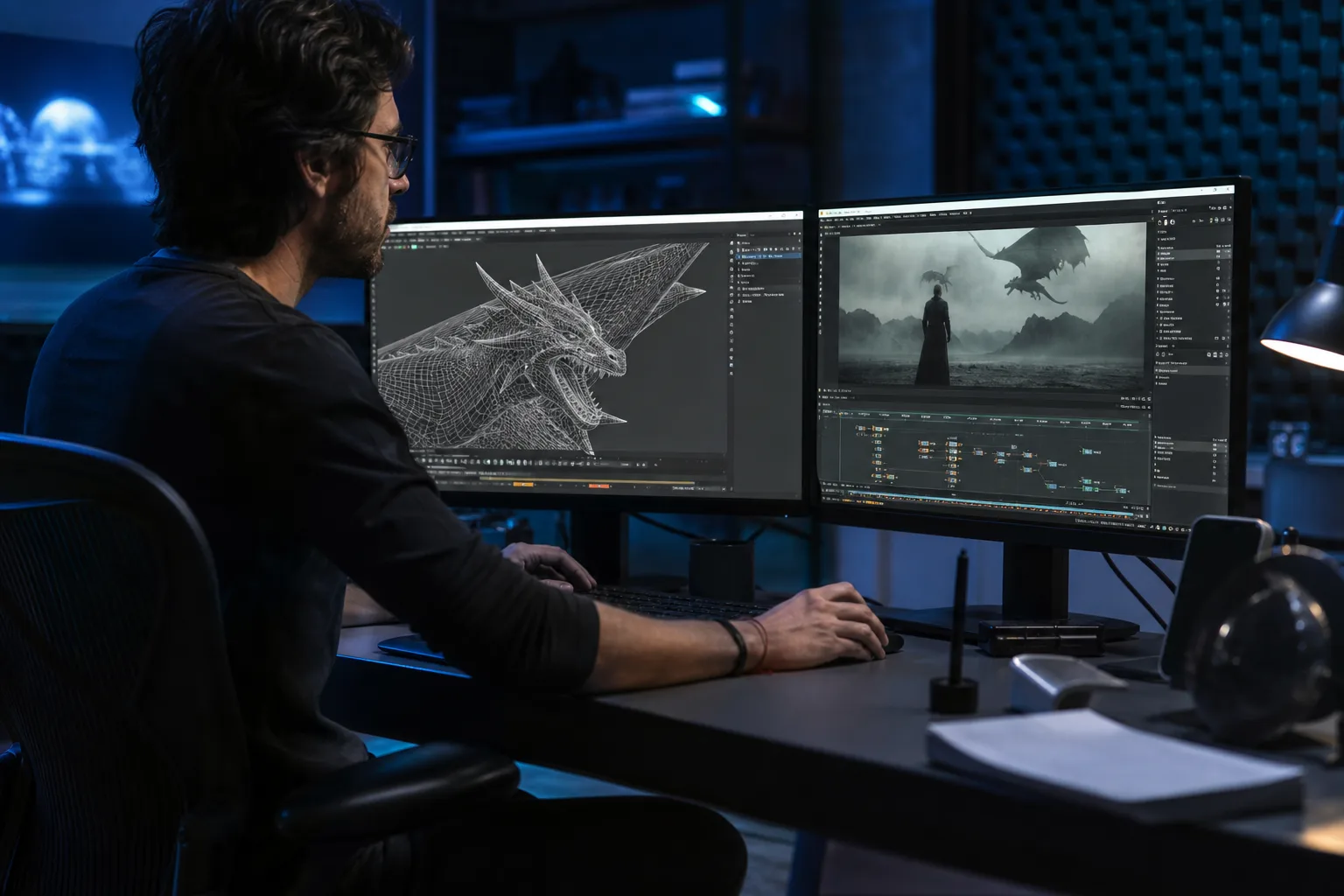
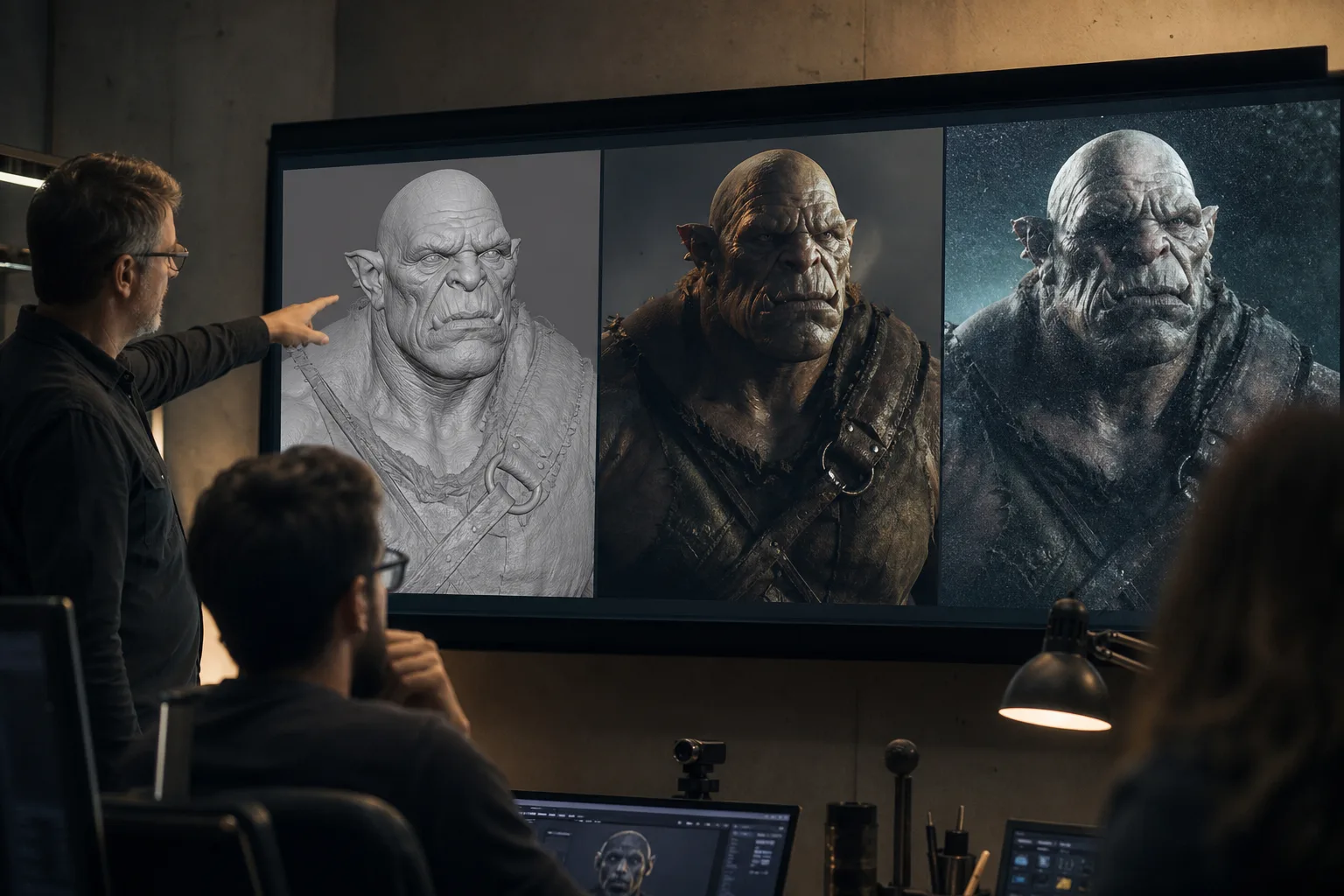
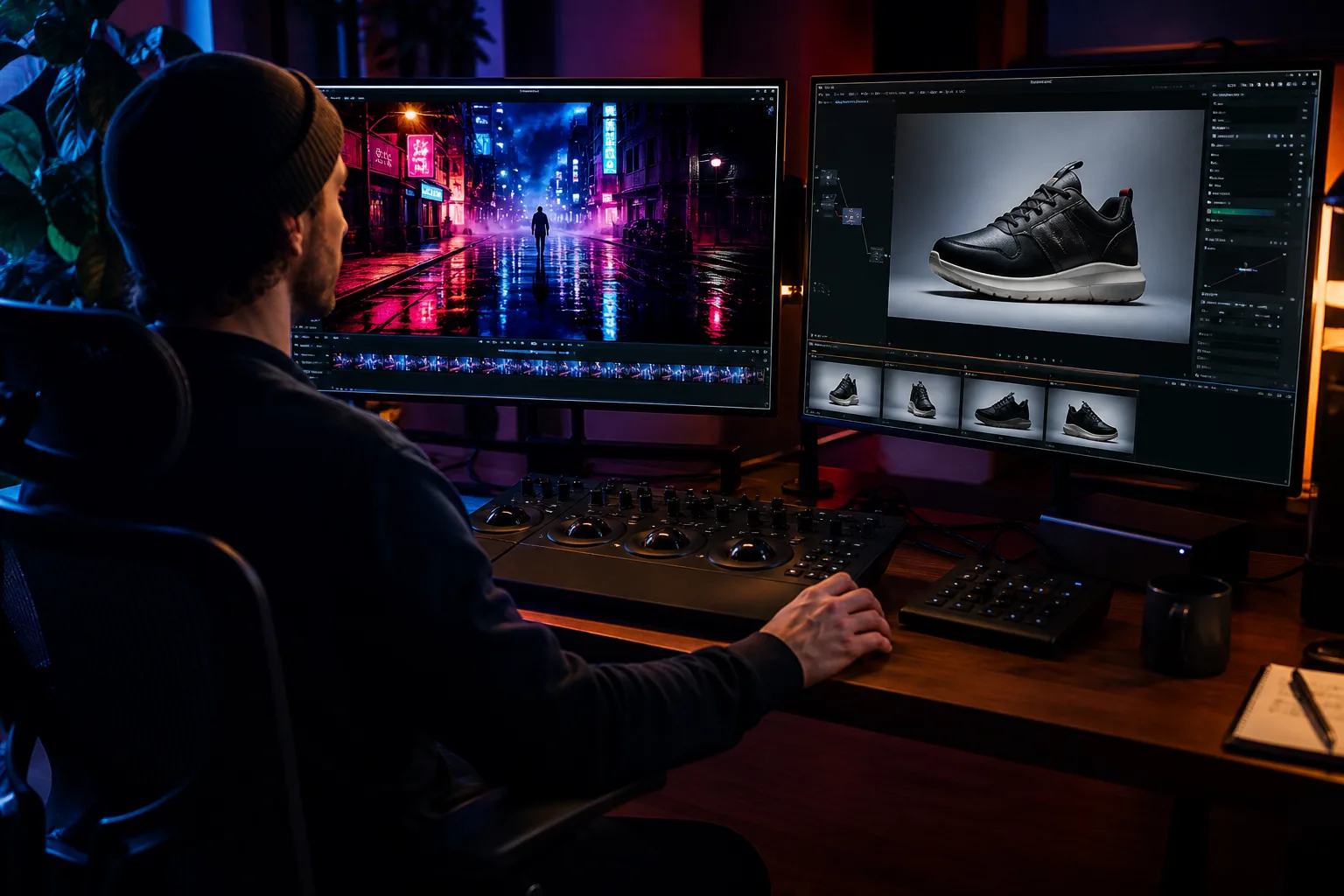
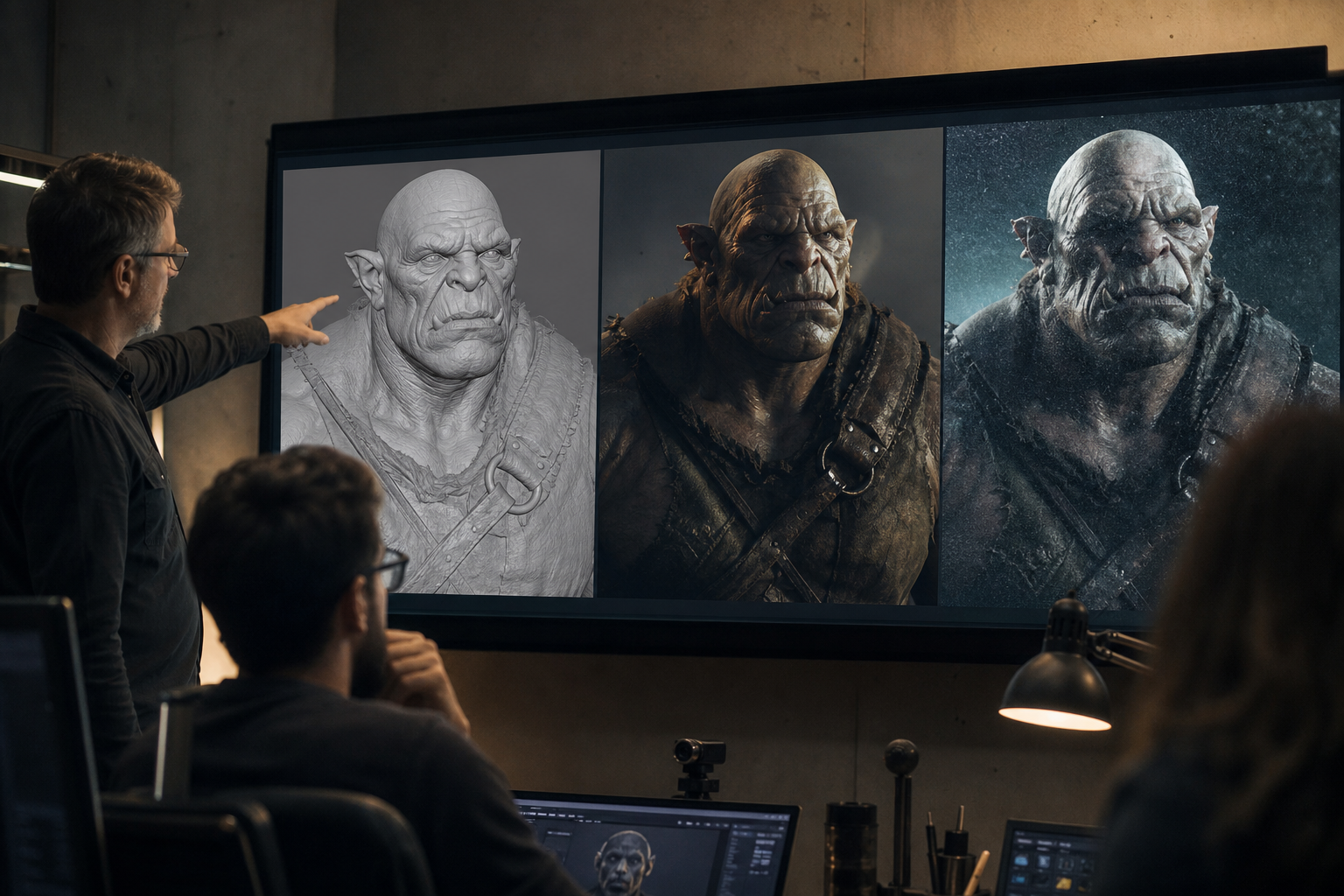
- CGI is human-crafted digital imagery. Artists model, texture, light, animate, and render scenes using software such as Maya, Blender, or Cinema 4D.
- AI generates or assists media using machine learning. Text-to-image and text-to-video tools create visuals from prompts without manual 3D work.
- CGI offers maximum control and editability. Every element can be revised, reused, and integrated into professional pipelines.
- AI offers speed and low cost. It excels at rapid ideation, backgrounds, and stylistic variations, but can be harder to control precisely.
- Most modern productions blend both. AI accelerates concept art and previs, while CGI delivers final polished assets.
- Use a five-question framework to decide. Control, reusability, speed, ownership, and revision tolerance determine whether AI, CGI, or a hybrid workflow fits best.
What Is CGI?
CGI stands for Computer-Generated Imagery. It refers to still or animated visual content created entirely with computer software. Filmmakers, advertisers, and game developers use CGI to build worlds, characters, products, and effects that would be impossible, dangerous, or expensive to capture in real life (Masonry Studios).
The CGI pipeline is deliberate and structured. A typical project moves through concept and storyboarding, 3D modeling, texturing, rigging, animation, lighting, rendering, compositing, and post-production. Masonry Studios estimates that a 30-second CGI commercial usually takes around seven weeks from concept to delivery. That timeline reflects the precision involved: every polygon, texture, and light source is placed by an artist or technical director.
Common CGI Roles
- 3D modelers build the shapes and structures.
- Texture artists add surface detail such as skin, metal, or fabric.
- Riggers create digital skeletons so characters can move.
- Animators bring movement and emotion to rigs.
- Lighting and rendering artists create the final look.
- VFX compositors blend CGI with live-action footage (Fox Render Farm).
What Is AI in Visual Media?
In visual media, AI generally refers to machine-learning models that generate or manipulate images and video. Text-to-image tools like Midjourney, Stable Diffusion, and DALL-E create pictures from written prompts. Text-to-video tools such as Runway Gen-3, Pika, and OpenAI's Sora extend the idea to moving images. Some tools enhance existing footage by upscaling, denoising, or adding frames.
AI does not build scenes in the traditional CGI sense. Instead, it predicts what pixels should look like based on patterns learned from massive training datasets. The result can be stunningly realistic or wildly stylized, but the process is less transparent. Changing a specific detail often means rewriting the prompt or generating a new image rather than moving a virtual light or editing a 3D model.
Commercial AI video tools such as Runway, Pika, Synthesia, and Hour One follow a prompt-based or template-based workflow. Maverick Frame notes that AI generation typically costs $30–$500 per month per seat or per output, compared with $5,000–$50,000+ for a polished CGI asset or campaign (Maverick Frame). That price gap reflects a trade-off: AI lowers the barrier to entry, while CGI delivers deterministic, brand-safe results.
CGI vs AI: Side-by-Side Comparison
The following table compares the two approaches across the dimensions that matter most to beginners deciding which route to take.
| Dimension | CGI | AI Generation |
|---|---|---|
| How it works | Artists build and render 3D scenes | Models generate pixels from prompts or reference data |
| Control | Very high; every asset is editable | Moderate to low; results can be unpredictable |
| Speed | Slower; pipelines take weeks | Fast; images in seconds, videos in minutes |
| Cost | Higher upfront for software and talent | Lower per image, but costs scale with volume |
| Reusability | Assets can be reused across campaigns | Outputs are usually one-off generations |
| Realism | Photorealistic when rendered well | Can look real, but may have subtle artifacts |
| Legal clarity | Clear ownership of original assets | Training data and output ownership are contested |
Neither approach is universally better. They solve different problems and are increasingly used together.
When to Use CGI
CGI is the right choice when control, consistency, and reusability matter. Marketing teams use CGI to show products from every angle, in any environment, with perfect lighting. Automotive brands, for example, render virtual cars in snow, desert, or city settings without moving a physical vehicle. Food and beverage advertisers use CGI to keep ice cream from melting and soda perfectly carbonated (Denote).
CGI also shines in long-term brand assets. A 3D model created for one campaign can be updated with new colors, packaging, or environments for future campaigns. This modularity makes CGI cost-effective over time, even if the initial investment is higher (Kreative Machinez).
When to Use AI
AI tools are ideal for rapid ideation, prototyping, and low-cost content creation. A marketer can generate dozens of background options, visual styles, or ad variants in an afternoon. Indie filmmakers can create concept art or temporary visual effects without hiring a full VFX team. Social media managers can produce eye-catching imagery faster than traditional design workflows allow.
AI also helps fill gaps in the CGI pipeline. It can generate texture references, create matte paintings, upscale renders, or produce storyboards. PIXREADY and ffface.me both identify background generation, mood-board creation, and rapid A/B testing as AI's strongest use cases in 2026 (PIXREADY) (ffface.me). However, AI is less reliable when a brand needs exact product dimensions, consistent character appearances, or legally clean assets. In those cases, human-crafted CGI or photography is still the safer bet.
Regulatory pressure is also shifting the AI vs CGI calculation. The EU AI Act mandates transparency for synthetic media, the UK ASA encourages disclosure of AI-generated visuals, and the US FTC prohibits deceptive AI endorsements and reviews. For brands, clear ownership of CGI assets can be simpler than navigating platform-specific AI labeling rules.
"CGI Ads have swiftly evolved from being an experimental niche to becoming a dominant force reshaping modern advertising." — Denote analysis
The Hybrid Pipeline: AI-Assisted CGI
The most advanced studios no longer choose between CGI and AI; they combine them. A typical hybrid workflow might begin with AI-generated concept art to explore mood and composition. Modelers then build approved concepts in 3D, while texture artists use AI upscaling or material synthesis to accelerate detail work. Animators block motion traditionally, then use AI motion-capture cleanup to refine performance.
Rendering also benefits from machine learning. Denoising algorithms, originally developed for CGI renderers, use AI to produce clean images from noisy previews in seconds instead of hours. Emerging text-to-3D tools promise to turn descriptions directly into rough models, though as of 2025 these outputs still require significant cleanup before they are production-ready.
This hybrid approach is likely to become the standard. It preserves the control and quality of CGI while absorbing the speed and ideation power of AI. For beginners, the lesson is to learn one discipline deeply while staying curious about the other. A CGI artist who understands prompt engineering and an AI creator who understands lighting and composition will both produce better work than those who ignore the other side.
How to Choose: A Five-Question Framework
If you are unsure which path to take, answer these five questions before committing time or budget. This framework is adapted from competitor comparisons that emphasize aligning technology with business goals rather than hype.
- Do I need exact control? If every pixel must match brand guidelines, product dimensions, or legal requirements, choose CGI.
- Is this a one-off or a reusable asset? One social post favors AI; a campaign hero image favors CGI.
- How fast do I need options? AI produces dozens of variations in minutes; CGI produces one carefully built direction in days or weeks.
- Who owns the final work? CGI assets are human-authored and clearly owned. AI outputs may be limited by platform terms or training-data disputes.
- What happens when I need a revision? CGI allows precise edits; AI often requires regenerating the whole image and hoping for consistency.
When three or more answers point to CGI, invest in a 3D pipeline. When three or more point to AI, start with generative tools. When answers are split, plan a hybrid workflow.
Mini Case Study: One Product, Two Pipelines
Imagine a beverage brand launching a new can. The marketing team needs a hero image for the website, five social variations, and a short animated clip for a retail screen.
AI-first approach: The team generates fifty can concepts in an afternoon, picks three, and refines prompts for lighting and background. Total cost is low, but the can's logo may warp, colors may drift between outputs, and legal review is complicated because the AI tool's terms restrict commercial use.
CGI-first approach: A 3D artist models the can from CAD files, applies accurate labels, and renders it under controlled lighting. The asset is precise and legally clean, but the first image takes days and costs more.
Hybrid approach: AI generates background options and mood boards. The team picks a direction, then a CGI artist builds the can in 3D and renders it into the chosen environments. The final assets are consistent, reusable, and on-brand. This is the workflow most studios recommend for 2026.
Frequently Asked Questions
What is the difference between CGI and AI?
CGI is created by artists using 3D software. AI-generated visuals are produced by machine-learning models that predict pixels from prompts or training data. CGI offers precise control; AI offers speed.
Is AI replacing CGI artists?
Not entirely. AI is automating some tasks like ideation, upscaling, and background generation, but professional CGI still requires artistic direction, modeling, lighting, and problem-solving that AI cannot reliably do alone.
Can CGI and AI be used together?
Yes. Many studios use AI for concept art, previs, texture references, and render enhancement, then use CGI for final production assets that require precision and control.
What software is used for CGI?
Popular CGI software includes Blender, Autodesk Maya, Cinema 4D, 3ds Max, Houdini, and ZBrush. Rendering engines include Redshift, V-Ray, and Unreal Engine.
Is AI-generated video cheaper than CGI?
For one-off clips, AI is usually cheaper and faster. For reusable brand assets or complex sequences requiring consistency, CGI is often more cost-effective over time.
Which is better for beginners?
AI tools have a lower barrier to entry because they require prompts rather than technical 3D skills. However, learning basic CGI in Blender is a valuable long-term investment if you want full creative control.
Conclusion
CGI and AI are not rivals; they are different answers to different creative challenges. CGI gives you control, consistency, and reusable assets. AI gives you speed, variation, and accessibility. Beginners should start by clarifying their goal: if you need a polished, editable final product, invest in CGI skills or hire a CGI team. If you need fast visuals for ideation or social content, AI tools are a great starting point.
As these technologies converge, the most successful creators will be those who know when to use each. For more on visual AI and filmmaking, visit our Video, Film & Visual AI cluster and read our guides on AI rotoscoping tools and human video vs AI video myths.