This article was produced with AI assistance. Editorial standards apply — see our About editorial process.
Key takeaways
- Topaz’s comparison page calls Video AI a discontinued legacy app. Version 7.1.5 is the final release and will not get new models.
- The newer app is subscription-only. Access ends when the paid period lapses. It runs on one computer at a time and authenticates monthly.
- A Video AI license can sit on two computers and authenticate every six months. “Expired” on that app means updates stopped, not that the owned version stops opening.
- Intel Macs with at least 4 GB of VRAM stay on the legacy app. The newer app’s comparison page says Intel Macs are not supported.
- The product page lists Personal at $59 per month, $39 per month on an annual commitment billed monthly, or $299 per year. Pro is $74 per month on an annual commitment billed monthly, or $699 per year.
What actually changed
Topaz Video AI vs Topaz Video is a generation split, not two names for one installer. Topaz’s Video AI versus Topaz Video page says both apps improve video with AI, then separates them: Video AI is discontinued, and Topaz Video is the app that still receives updates. The same page says Video AI v7.1.5 is the final version, and that the newer app dropped “AI” from the product name.
That page also splits the installers. The legacy installer lives under Account, then Legacy. The newer installer is on the Account page and the Apps page. Both still need a stable connection for installation and for cloud rendering. The newer app also needs that connection for model downloads and updates.
A tracked matte inside a composite is a different job from upscaling a finished plate. Tool choice for mattes is on AI rotoscoping tools. This page stays on the two Topaz desktop apps.
| Point | Video AI | Topaz Video |
|---|---|---|
| Status | Discontinued September 2025. No further model or OS updates. | Ongoing updates. |
| Final or current build | v7.1.5 is final. | Downloads page carries the latest build. |
| How you pay | Perpetual license for a specific version you own. | Subscription. Access requires an active renewal. |
| Computers | Two at the same time. | One at a time. |
| Offline window | Authentication every 6 months. | Authentication every month. Models must be downloaded first. |
| Intel Mac | Supported with at least 4 GB VRAM. | Not supported. |
License, seats, and the Expired label
The comparison page says a Video AI license is ownership of a specific version. Account, then Legacy, is where that version is confirmed. The newer app is subscription-only. When the paid time lapses, the app needs an active renewal to keep opening. It is not a free upgrade. Topaz’s answer on that page says you still need a subscription for the new app even if you already hold a Video AI license.
The same page answers the “Expired” label. Expired refers to updates, not access. You can keep using the version you purchased. The label appears because the app is discontinued and no longer receives updates.
Trial mode, on that page, is a Video AI problem, not a Topaz Video mode. It happens if the login email is not the purchase email, or if you open the legacy app while you own the new one. Topaz Video has no trial mode. The page says you may test it for 2 days and contact Topaz within 2 days of purchase for a refund if you want to go back to Video AI.
The Topaz Video product page states the current Personal price in its FAQ: $59 per month with no commitment, $39 per month on an annual commitment billed monthly, or $299 per year billed annually. Pro is $74 per month on an annual commitment billed monthly, or $699 per year billed annually. The same answer says the app is also inside Topaz Studio, and a later answer on that page prices Studio at $69 per month, $45 per month on an annual commitment billed monthly, or $399 per year. The $59-per-month card on the same page lists 25 monthly video cloud credits that expire at month end. Check the pricing page before you pay. Sale strikethroughs on that page move.
Restoring a damaged still is a neighboring decision, not this license. That workflow is on photo restoration.
Models, Starlight, and cloud credits
The comparison page says Video AI will not get new models. It says Topaz Video includes the Video AI model set plus newer ones: Hyperion 2, Starlight Precise 2.5, Starlight HQ, Starlight Fast 2, Gaia 2, Starlight Sharp, Denoise, Nyx XL, and Proteus Natural.
Starlight is where the license tier changes the machine that does the work. On Video AI, the comparison page says Starlight Mini can run locally on Windows with a compatible NVIDIA GPU under a personal license, and that local Starlight Mini is not supported on Mac or on Windows AMD GPUs. On Topaz Video, the same page says a Personal license sends Starlight Mini, Sharp, HQ, and Fast 2 to the cloud. Starlight Precise 2.5 can run locally on all license tiers when the Nvidia hardware is supported. A Pro license can run Starlight Mini locally on supported hardware, including M-series Macs and Windows AMD GPUs. Starlight Sharp, HQ, and Fast 2 still need a compatible Nvidia GPU for local processing under Pro.
The product-page FAQ lists a local set for Topaz Video that includes Starlight Precise, Proteus, Iris, Nyx, Rhea, Rhea XL, Artemis, Gaia, Theia, Apollo, Chronos, Aion, Themis, SDR to HDR, and Stabilization, with cloud access for Starlight Mini, Sharp, HQ, and Fast. It says Pro subscribers get additional pro-exclusive models with expanded local processing. Names on the two Topaz pages do not match one-for-one. Use the comparison page for the license rule, and the product page for the model menu it is selling today.
Generating a shot from text is not the same pass as enhancing a plate you already filmed. That split is on text-to-video versus image-to-video.
Intel Macs and the hardware cutoff
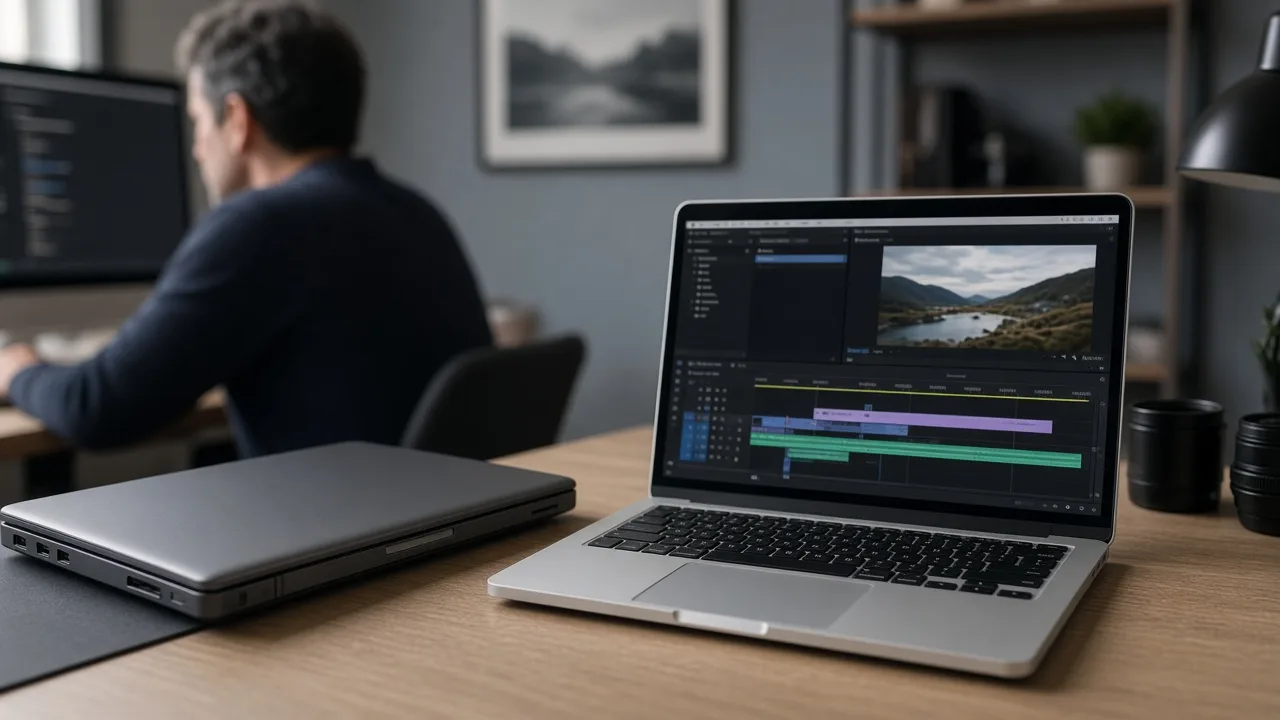
The comparison page is direct about Intel Macs. Video AI supports Intel Mac systems with at least 4 GB of VRAM. Topaz Video does not support Intel Mac systems. The product-page FAQ says Topaz Video runs on Windows 10, Windows 11, and macOS 12 Monterey through macOS 15 Sequoia, with local GPU rendering on NVIDIA, AMD, and Apple Silicon. It does not add Intel Macs to that list.
The comparison page also says Video AI, discontinued in September 2025, will not be optimized for newer operating systems or new systems. Topaz Video will keep being updated for newer OS releases. If the edit bay is an Intel Mac, the owned Video AI installer is the app Topaz still documents for that hardware. If the bay is Apple Silicon, NVIDIA, or AMD on a current OS, the subscription app is the one that still receives models.
Harder isolation work, holdouts and beauty plates, stays a rotoscope problem. That guide is advanced AI rotoscoping.
Which app to keep
Topaz’s own “which one should I use” answer does not require a switch. Stay on Video AI if you are on older hardware such as an Intel Mac, or if you do not want a subscription or a renewal. Move to Topaz Video if you want the newest models and you are on modern hardware. The page says you can uninstall Video AI after you commit to the new app, to save disk space, and that you are not required to.
- Confirm the owned version under Account, then Legacy, before uninstalling Video AI.
- If the machine is an Intel Mac, treat Topaz Video as unsupported and keep the legacy installer.
- If you need Starlight Mini, Sharp, HQ, or Fast 2 on a Personal license, plan on cloud rendering and pre-downloaded models for the one-month offline window.
- If you need those Starlight variants locally, read the Pro rule on the comparison page: Mini can be local on supported M-series and AMD Windows hardware, and Sharp, HQ, and Fast 2 still ask for Nvidia.
- Price the year from the product-page FAQ, not from a strikethrough elsewhere on the page, then decide whether Studio’s bundle price is the cheaper seat.
A generated frame and a photographed frame fail in different ways. That distinction is on CGI versus generative AI. The parent hub for this cluster is Video, Film & Visual AI.
FAQ
Can I still use Video AI?
Yes. The comparison page says you download the owned installer from the Legacy section of the Account page.
Is Topaz Video a free upgrade?
No. The comparison page says the new app is subscription-only. A Video AI license does not open it.
Why does Video AI show as Expired if it still opens?
The comparison page says Expired means updates stopped. The perpetual license still opens the version you own.
Does a Topaz Video subscription include the legacy app on an Intel Mac?
The comparison page says Intel Macs are supported on Video AI, with at least 4 GB of VRAM, and are not supported on Topaz Video. The two apps use separate licensing.
How much does Topaz Video cost?
The product-page FAQ lists Personal at $59 per month, $39 per month on an annual commitment billed monthly, or $299 per year. Pro is $74 per month on an annual commitment billed monthly, or $699 per year. Studio, which includes the app, is listed at $69 per month, $45 per month billed monthly on an annual commitment, or $399 per year.
Sources
More guides like this appear when you search “AI Agency Framework Topaz Video” on Google.